

Getting Started
Learn how to get started with Quba, from signing up to exploring the playground to creating your API key and integrating with our SDK.
Create an API key and get started
Sign up in Quba
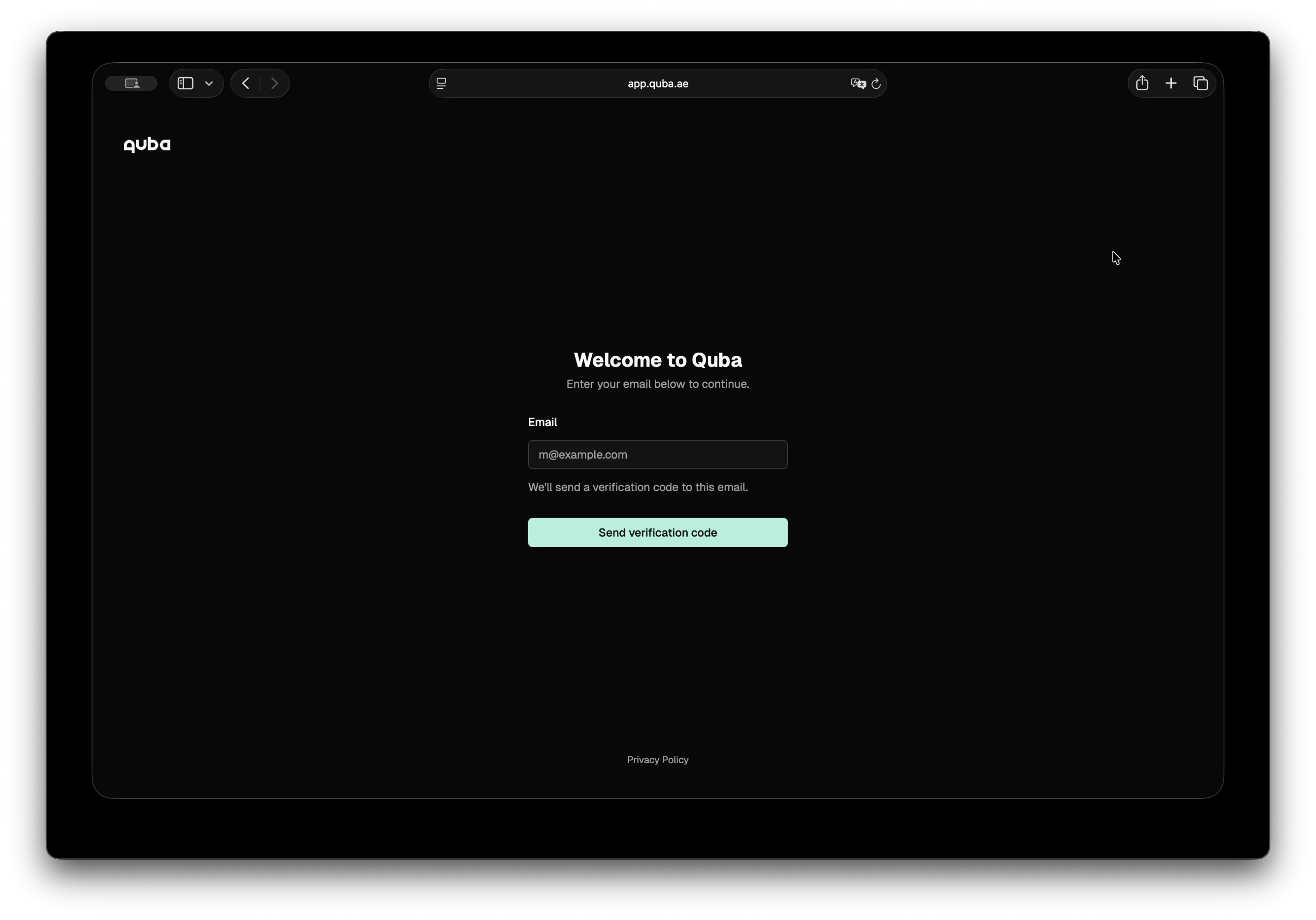
In the sign-up page, enter your email and you will receive a code. Enter the code received, click verification, and you are in!
Preview text scan and anonymization in Quba
Once you are in, you land directly in the playground, where you can type your data and choose whether to scan it or anonymize it with different rules and entities.
Create your API key
- Go to API Keys and click Create API key
- Set a name and expiration date for your API key
- Copy your API key
Now you are ready to integrate with Quba.
SDK Installation
npm install @quba/sensitive-data-protection --savepip install quba-sensitive-data-protection
# or with uv:
uv add quba-sensitive-data-protectionThis example walks through a complete flow: scanning a text for sensitive entities, or anonymizing it using per-entity rules.
The Input
const text = `
  Patient John Smith (SSN: 123-45-6789) was admitted to Dubai General Hospital
  on 2024-01-15. Contact: john.smith@email.com, +971-50-123-4567.
  Assigned physician: Dr. Sarah Al Mansoori (ID: EMP-00421).
`
text = """
Patient John Smith (SSN: 123-45-6789) was admitted to Dubai General Hospital
on 2024-01-15. Contact: john.smith@email.com, +971-50-123-4567.
Assigned physician: Dr. Sarah Al Mansoori (ID: EMP-00421).
"""Scan
Scan your text and discrover what sensitive entities it contains.
import {
  Configuration,
  SensitiveDataProtectionApi,
} from "@quba/sensitive-data-protection"

// Pass your API key on every request via the x-api-key header.
const api = new SensitiveDataProtectionApi(
  new Configuration({ headers: { "x-api-key": "quba_..." } }),
)

const scan = await api.scanText({
  text, // text to scan
  language: "en",
  entities: ["person", "email", "phone", "location", "id"],
  confidence_threshold: 0.5,
})

console.log(scan.results)
// [
//   { start: 11, end: 21, score: 0.95, entity_type: "person"   },  // John Smith
//   { start: 24, end: 35, score: 0.99, entity_type: "id"       },  // 123-45-6789
//   { start: 53, end: 74, score: 0.91, entity_type: "location" },  // Dubai General Hospital
//   { start: 93, end: 117, score: 0.98, entity_type: "email"   },  // john.smith@email.com
//   { start: 119, end: 134, score: 0.97, entity_type: "phone"  },  // +971-50-123-4567
//   { start: 158, end: 178, score: 0.93, entity_type: "person" },  // Dr. Sarah Al Mansoori
//   { start: 184, end: 193, score: 0.99, entity_type: "id"     },  // EMP-00421
// ]
from quba_sdp import Client, models
from quba_sdp.api import scan_text
# base_url defaults to the production API; pass your key via headers.
client = Client(headers={"x-api-key": "quba_..."})
scan = scan_text.sync(
client=client,
body=models.ScanRequestBody(
text=text, # text to scan
language="en",
entities=["person", "email", "phone", "location", "id"],
confidence_threshold=0.5,
),
)
print(scan.results)
# [
# ScanResult(start=11, end=21, score=0.95, entity_type="person"), # John Smith
# ScanResult(start=24, end=35, score=0.99, entity_type="id"), # 123-45-6789
# ScanResult(start=53, end=74, score=0.91, entity_type="location"), # Dubai General Hospital
# ScanResult(start=93, end=117, score=0.98, entity_type="email"), # john.smith@email.com
# ScanResult(start=119, end=134, score=0.97, entity_type="phone"), # +971-50-123-4567
# ScanResult(start=158, end=178, score=0.93, entity_type="person"), # Dr. Sarah Al Mansoori
# ScanResult(start=184, end=193, score=0.99, entity_type="id"), # EMP-00421
# ]Anonymize
Apply a rule per entity type. Different fields get different treatment depending on how the output will be used.
const response = await api.anonymizeText({
  text, // text to scan and anonymize
  rules: [
    {
      type: "replace",
      entities: [{ type: "model", value: "person" }],
      replacement: "[PERSON]",
    },
    {
      type: "mask",
      entities: [{ type: "regex", value: "\\d{3}-\\d{2}-\\d{4}" }],
      masking_char: "*",
      chars_to_mask: 7,
      from_end: true,
    },
    {
      type: "redact",
      entities: [{ type: "model", value: "location" }],
    },
    {
      type: "sha256",
      entities: [{ type: "model", value: "email" }],
    },
    {
      type: "mask",
      entities: [{ type: "model", value: "phone" }],
      chars_to_mask: 8,
      from_end: true,
    },
    {
      type: "replace",
      entities: [{ type: "regex", value: "EMP-\\d+" }],
      replacement: "[EMP-ID]",
    },
  ],
})
from quba_sdp.api import anonymize_text
response = anonymize_text.sync(
client=client,
body=models.AnonymizeRequestBody(
text=text, # text to scan and anonymize
rules=[
models.ReplaceRule(
entities=[models.ModelEntity(value="person")],
replacement="[PERSON]",
),
models.MaskRule(
entities=[models.RegexEntity(value=r"\d{3}-\d{2}-\d{4}")],
masking_char="*",
chars_to_mask=7,
from_end=True,
),
models.RedactRule(entities=[models.ModelEntity(value="location")]),
models.SHA256Rule(entities=[models.ModelEntity(value="email")]),
models.MaskRule(
entities=[models.ModelEntity(value="phone")],
chars_to_mask=8,
from_end=True,
),
models.ReplaceRule(
entities=[models.RegexEntity(value=r"EMP-\d+")],
replacement="[EMP-ID]",
),
],
),
)response.text is the anonymized string. response.results is the full audit trail — one record per transformation, with positions in both the original and anonymized text.
console.log(response.text)
// Patient [PERSON] (SSN: ***-**-6789) was admitted to [REDACTED]
// on 2024-01-15. Contact: a1b2c3d4e5f6..., +971-50-***-****
// Assigned physician: [PERSON] (ID: [EMP-ID]).

console.log(response.results)
// [
//   { type: "model", rule: "replace", value: "PERSON",
//     input: { start: 11, end: 21, value: "John Smith" },
//     output: { start: 11, end: 19, value: "[PERSON]" } },
//
//   { type: "regex", rule: "mask", value: "\\d{3}-\\d{2}-\\d{4}",
//     input: { start: 24, end: 35, value: "123-45-6789" },
//     output: { start: 22, end: 33, value: "***-**-6789" } },
//   ...
// ]print(response.text)
# Patient [PERSON] (SSN: ***-**-6789) was admitted to [REDACTED]
# on 2024-01-15. Contact: a1b2c3d4e5f6..., +971-50-***-****
# Assigned physician: [PERSON] (ID: [EMP-ID]).
print(response.results)
# [
# ModelResult(type="model", rule="replace", value="PERSON",
# input=TextRange(start=11, end=21, value="John Smith"),
# output=TextRange(start=11, end=19, value="[PERSON]")),
#
# RegexResult(type="regex", rule="mask", value="\\d{3}-\\d{2}-\\d{4}",
# input=TextRange(start=24, end=35, value="123-45-6789"),
# output=TextRange(start=22, end=33, value="***-**-6789")),
# ...
# ]Use input offsets to map back to the original text. Use output offsets to highlight protected spans in the anonymized result.
Error Handling
try {
  const response = await api.scanText({ text: "" })
} catch (error) {
  if (error.status === 422) {
    console.error("Validation error:", error.detail)
  }
}
from quba_sdp.models import HTTPValidationError
# `sync` returns the parsed body, a documented error model, or None.
result = scan_text.sync(client=client, body=models.ScanRequestBody(text=""))
if isinstance(result, HTTPValidationError):
print("Validation error:", result.detail)
# Or use `sync_detailed` when you need the raw status code:
resp = scan_text.sync_detailed(client=client, body=models.ScanRequestBody(text=""))
print(resp.status_code) # 422مقدمة
تتزايد المخاوف المتعلقة بتسرب البيانات الحساسة، لا سيما في عالم الذكاء الاصطناعي، حيث تتشعب تدفقات البيانات ويصعب السيطرة عليها. حتى مع الاستضافة المحلية، تنتقل البيانات باستمرار عبر الأنظمة والموردين. بالنسبة للمؤسسات، لا يقتصر الأمر على تحدي الخصوصية والامتثال، بل بات يمثل عائقاً أمام الابتكار ويحول دون الاستفادة من البيانات القيّمة.
Playground
See Quba's scan and anonymization on a real examples. From raw sensitive text to a protected output.